


Data Files, a free alternative to Microsoft Access
Data Files is the database in Rutba Office, free for home and business use. A database is one file of related tables, with the queries, forms and reports you build on them. It comes with Data Files apps ready to use: ready-made databases for contacts, stock, members, customers and a lending library, and sample businesses from a corner store to a guest house. If your records live in Microsoft Access, in dBASE or FoxPro files, or in a spreadsheet that has outgrown itself, Data Files brings the tables and records across, and you build the rest in its own designers.
 Data Files
in Rutba Office
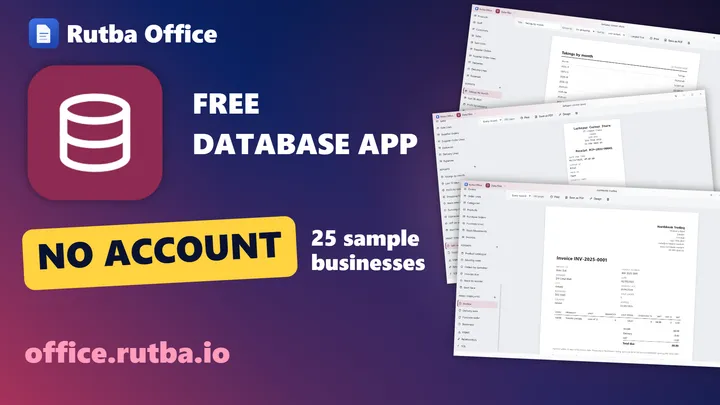
Rutba Office Data Files: a free database for when a spreadsheet is not enough
Data Files in Rutba Office starts you on a working database for a business like yours: twenty-five sample businesses, each with a year of invented records or empty for your own, and a Start Here guide.
Plays from YouTube, with English subtitles. Nothing is loaded from YouTube until you press play. Watch it on YouTube, or see more films on the Rutba Office channel.
Apps ready to use, and yours to change
Most people who open Access want an app, not a blank database. Data Files comes with them: each one has its tables, forms, queries and reports built and working. Use it as it is, or change any part of it in the same designers you would use for your own. Rutba Office keeps the designs up to date by itself.
Ready-made databases
Start empty, with the design already done
- Contacts, an address book
- Inventory: suppliers, products and stock movements
- Membership: members and their payments
- Customers and sales: companies, people, opportunities and activities
- Lending library: books, borrowers and loans
Each comes with a form for each table, the queries it needs and its reports.
Sample businesses
A whole business, with a year of invented records or none
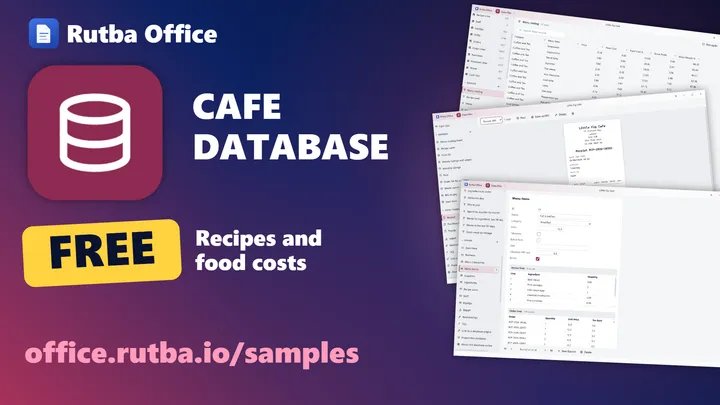
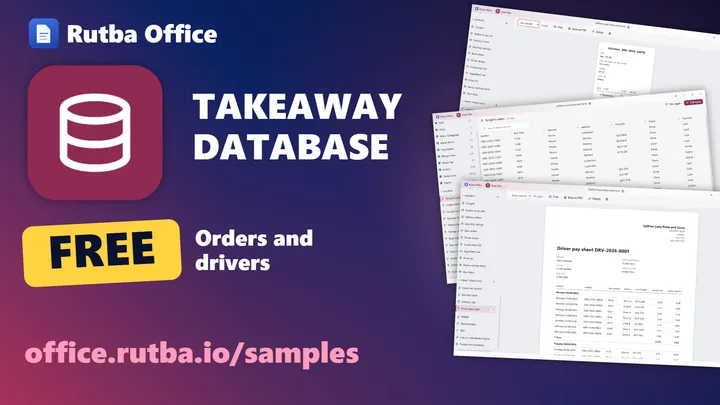
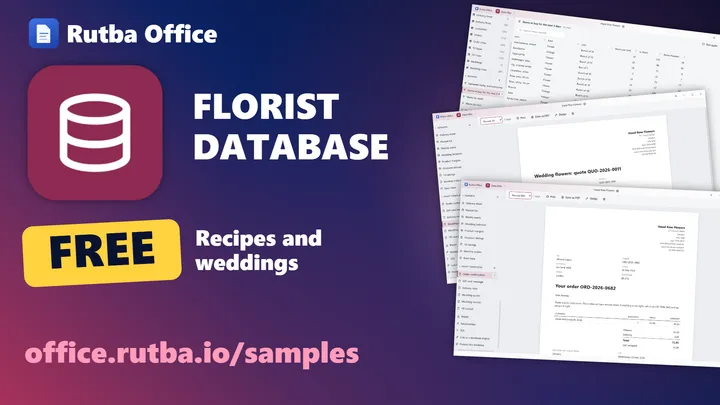
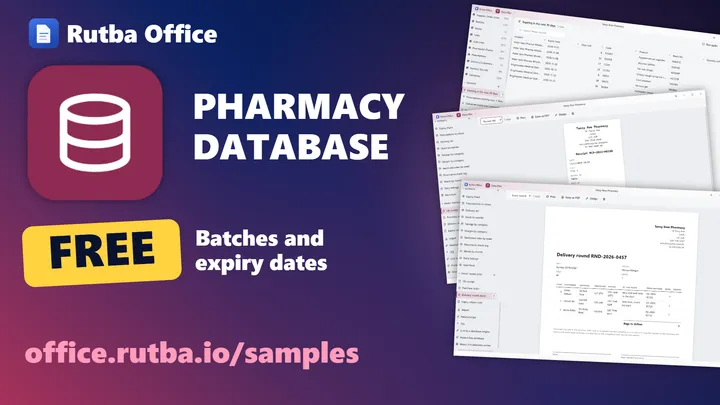
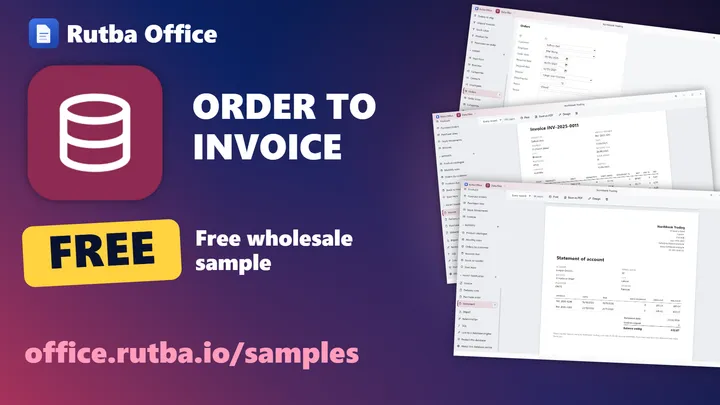
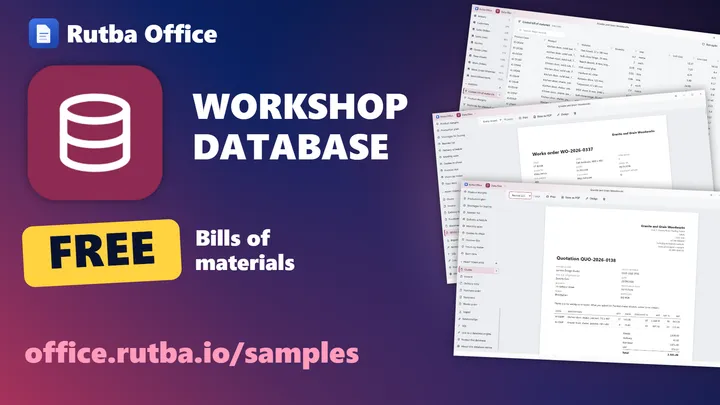
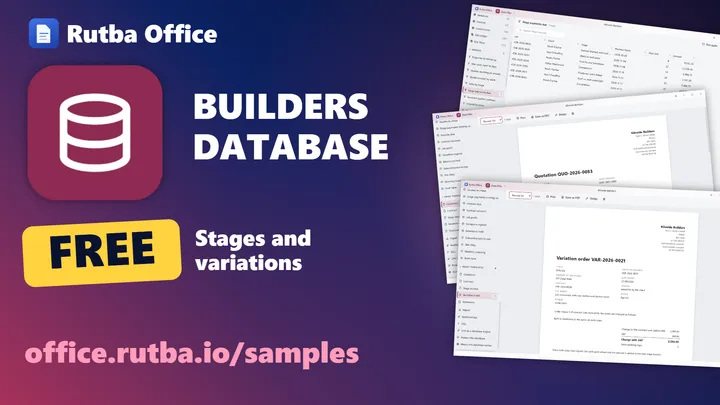
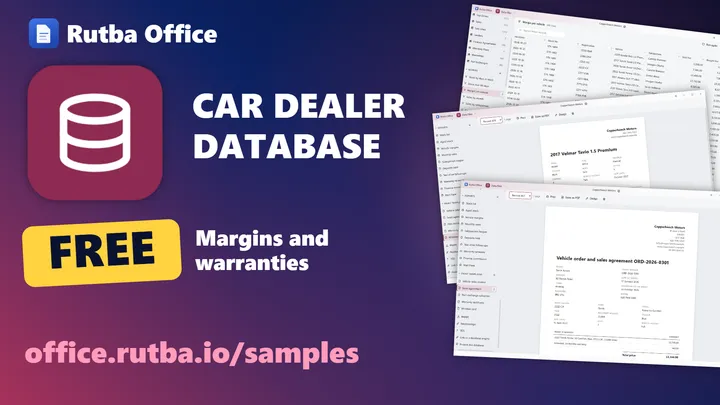
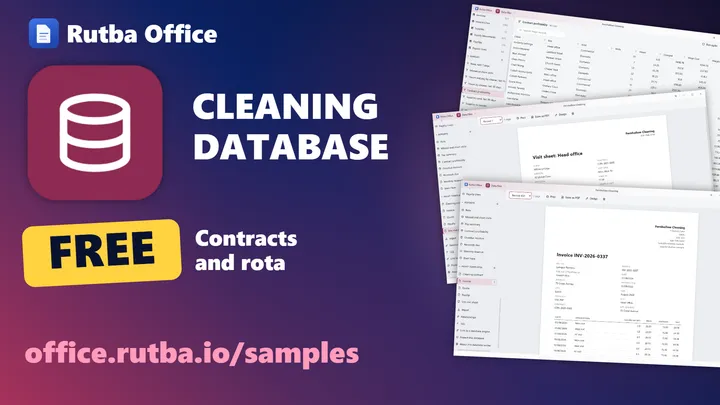
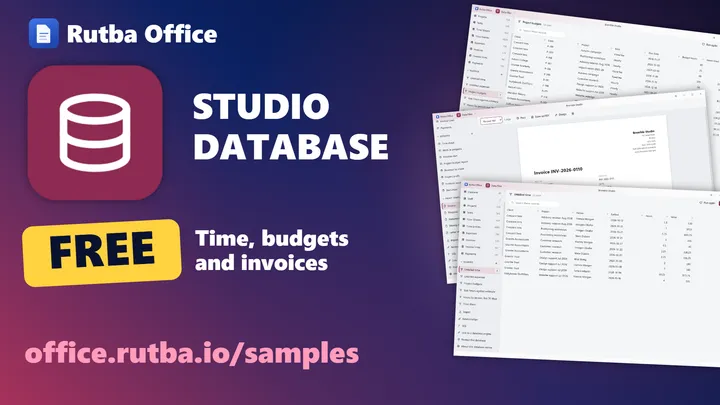
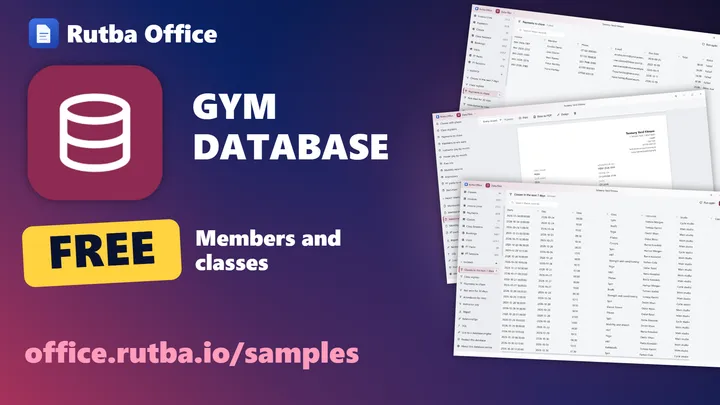
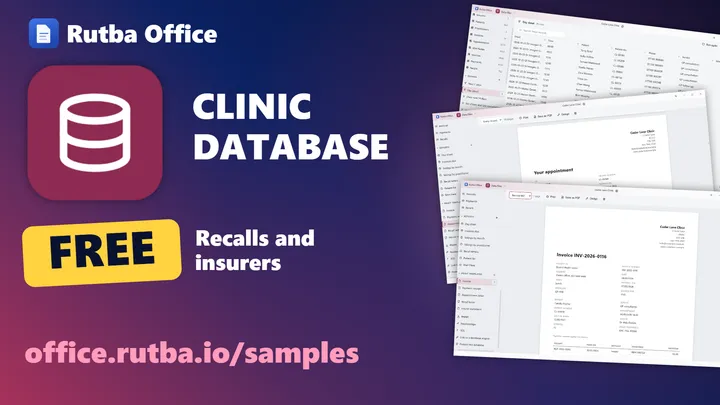
- Twenty-five of them, from a corner store, a café and a pharmacy to builders, a clinic, lettings and a guest house
- Tables, forms, queries, reports and print templates for the paperwork that business sends
- Open one with its records to see how it works, or empty to start using it
The sample businesses on office.rutba.io
Data Files on office.rutba.io, with its films and templates together
The ready-made databases, on film
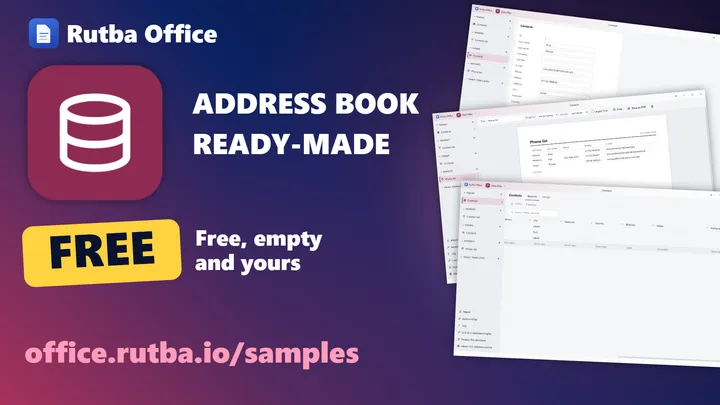
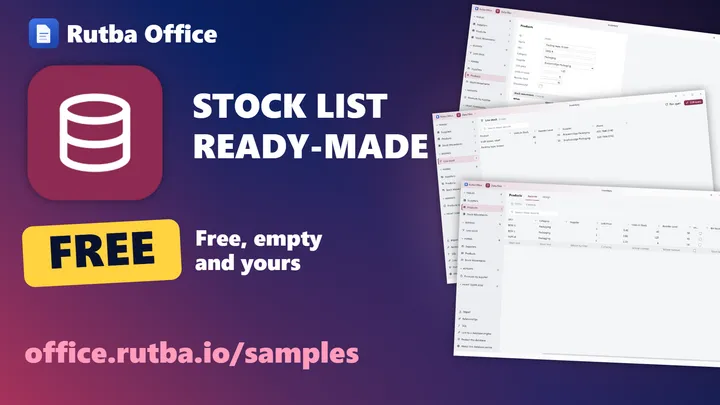
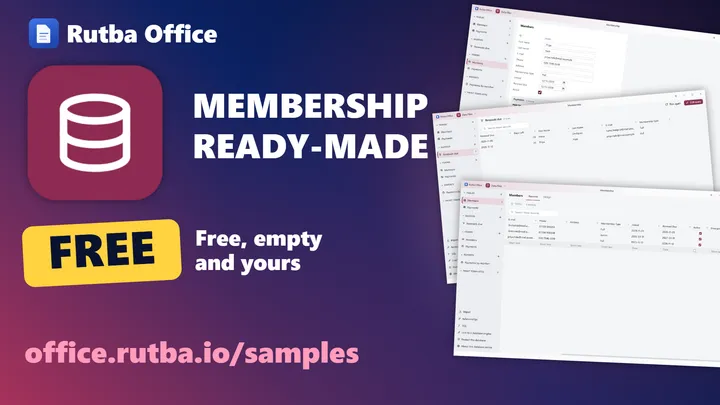
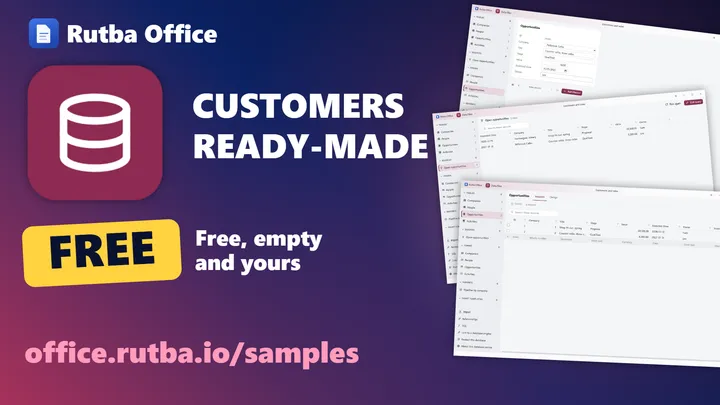
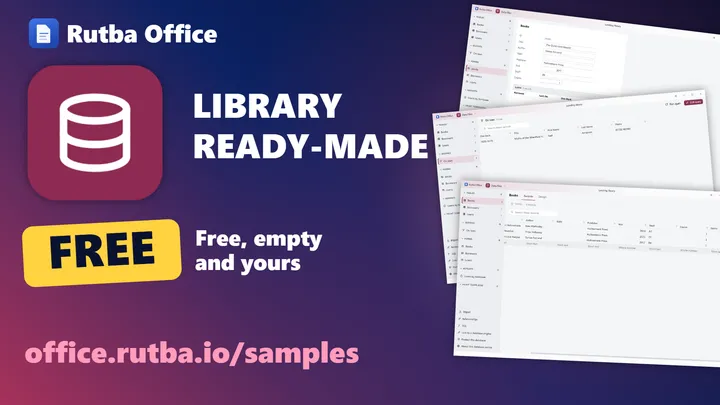
Plays from YouTube, with English subtitles. Nothing is loaded from YouTube until you press play. More films on the Rutba Office channel.
The Data Files apps for each kind of business, on film
Retail and food
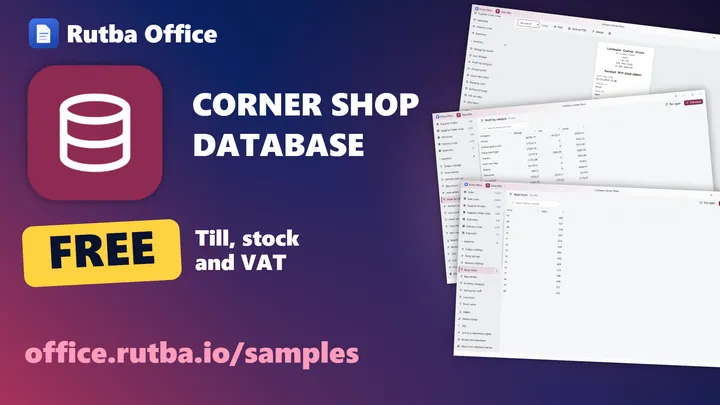
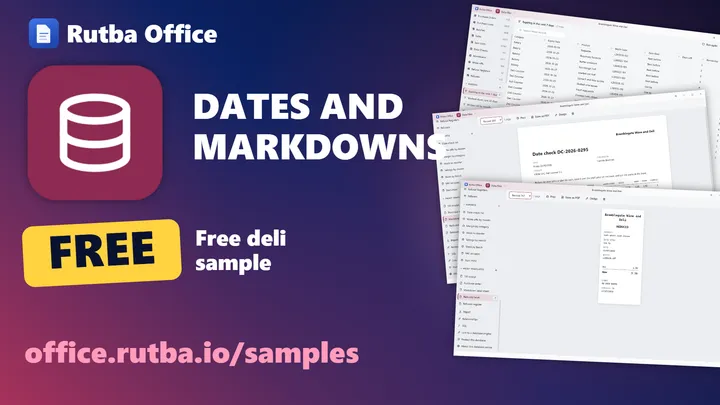
Trade, making and building
Services
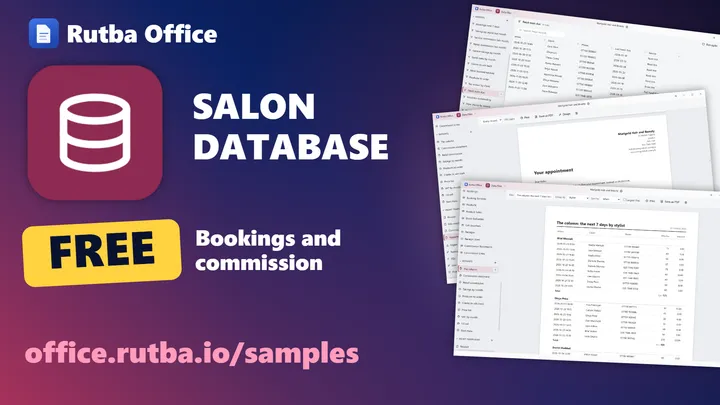
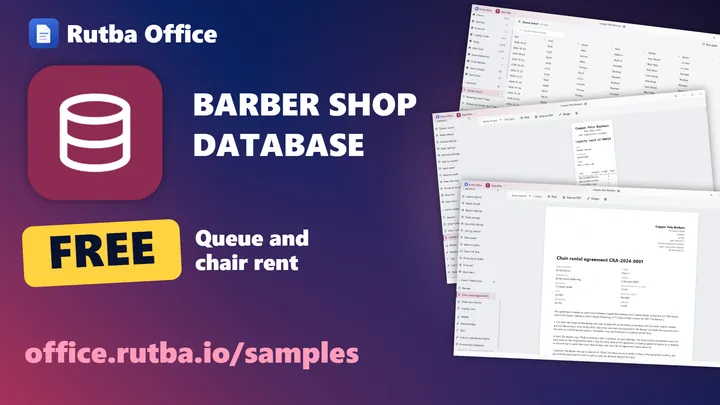
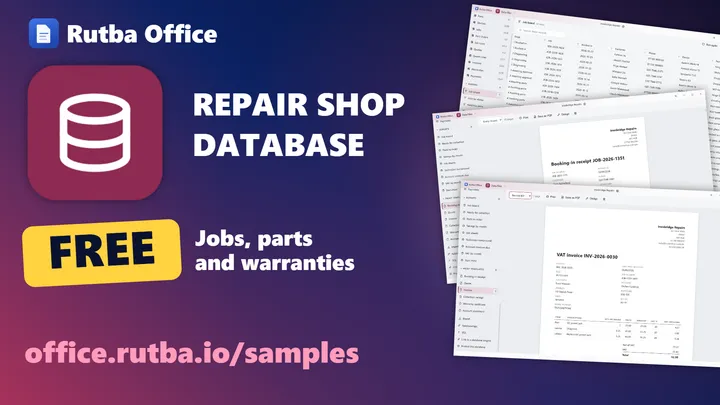
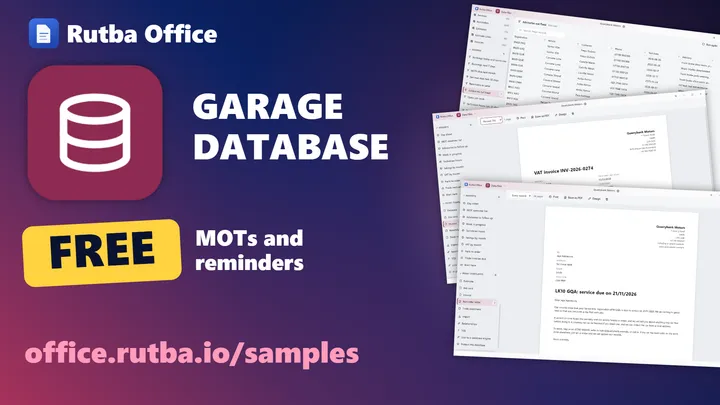
Health, education and community
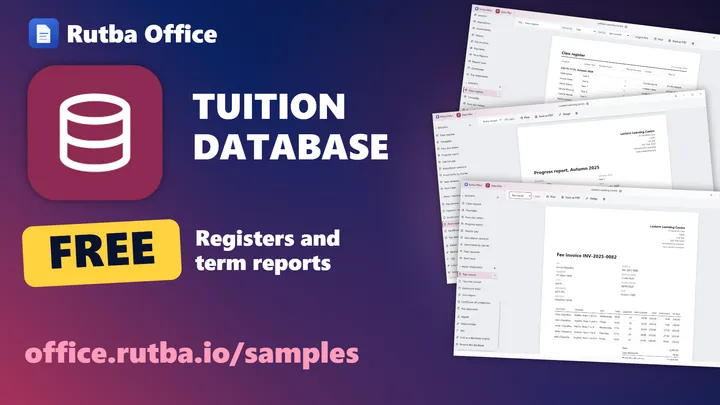
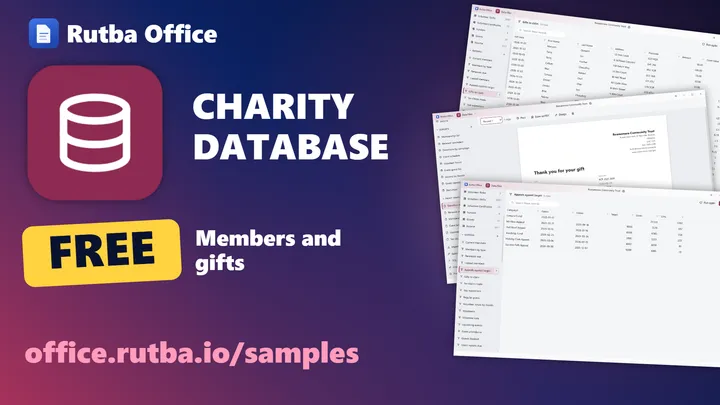
Property, hospitality and the office
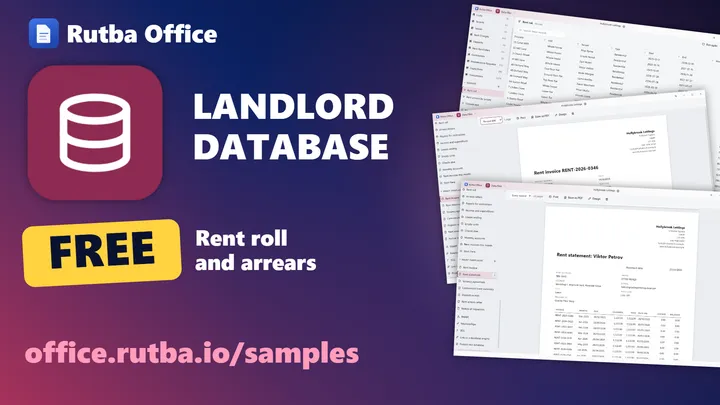
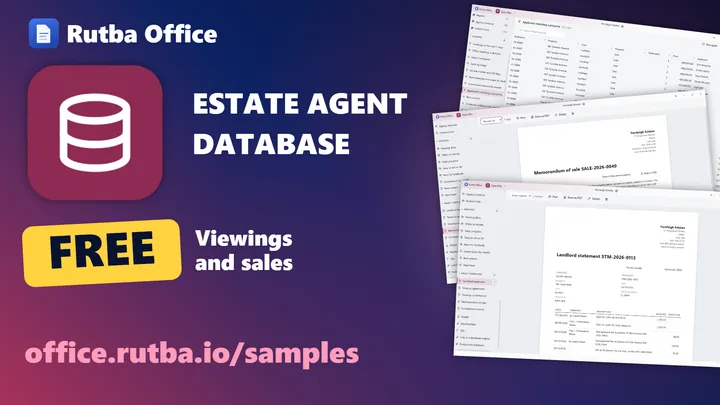
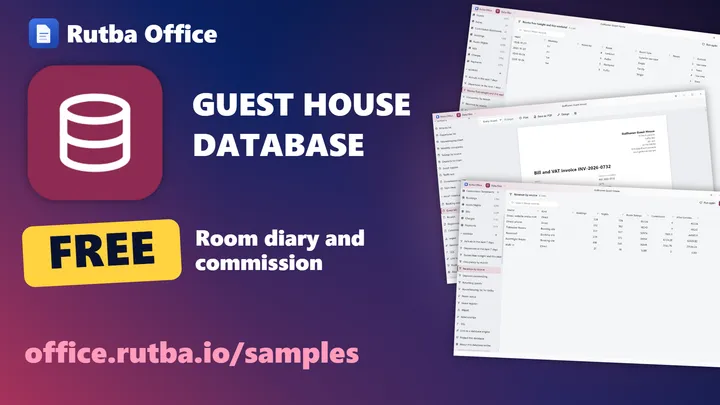
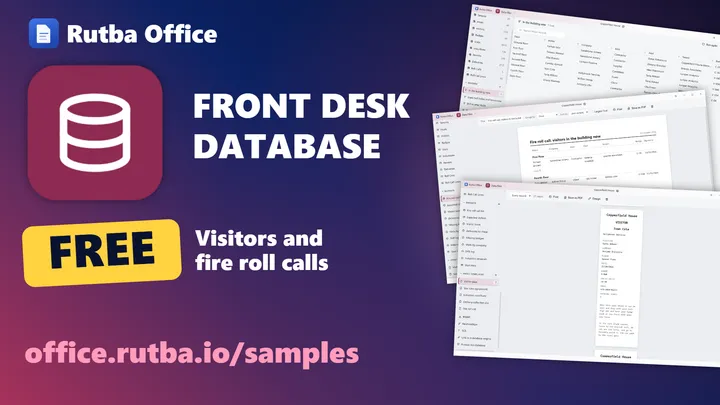
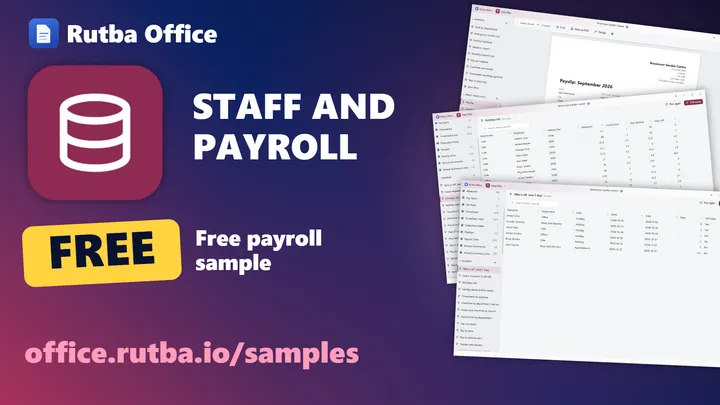
Plays from YouTube, with English subtitles. Nothing is loaded from YouTube until you press play.
The work you built in Access, in a free app
The jobs a small business gives a desktop database are the same everywhere: keep the records, find them again, put them on a screen people can type into, and print them. Data Files does those jobs with designers you drive with the mouse, and SQL when you want it.
Tables
- Fields you design, with required, unique and default values
- Relationships between tables
- Typing, sorting and filtering records
Queries
- Criteria, totals and calculated columns
- Joins across related tables
- An SQL view when you would rather type it
Forms
- Laid out in Design, where you place each field
- Pick-lists and search
- Subforms for the records that belong to this one
Reports and printing
- Reports that choose their own totals
- Print templates for invoices, receipts, payslips and agreements
- Letters merged in Documents from a table or a query
People and roles
- A protected database asks each person to sign in
- Each role sees only what it is allowed to
- A log of who changed what
Protection controls who sees what in the app. The file itself is not encrypted.
Shared records
- Tables linked to PostgreSQL, MySQL or MariaDB
- Every computer works on the same records
- The design stays in your file, the records on the server
What comes across, and what you rebuild
Data Files imports an Access database as new tables: older .mdb files (Jet 3 and Jet 4) and .accdb. It reads the Access file and never changes it. Here is exactly what it brings, so you can plan the move before you start.
Comes across
- Each table, as a new table in your Data Files database
- Every record in it, up to about a million rows a table
- Dates, numbers and currency amounts, as dates, numbers and amounts
- The file’s own ID numbers, kept when the import finds them
Stays behind
- Forms and reports. You rebuild them in Data Files’ form and report designers.
- Saved queries and relationships. You set them up again on the imported tables.
- Macros and VBA code. Data Files does not run them.
- Pictures, attachments and other binary fields.
- A database with a password. Take the password off in Access first, then import it.
Start with the tables
Import the Access file into a new database and check each table’s count of records against Access before you go further.
Then the links between them
Set up the relationships, so the forms and queries you build next can follow them.
Then the screens and the paper
Rebuild the forms people type into and the reports they print, one at a time, starting with the one used most.
Your other database files, too
Data Files opens a SQLite database (.sqlite, .sqlite3, .db) as it is, read only, and leaves it unchanged. To change its design, save a Data Files copy of it.
It imports, as new tables, dBASE and FoxPro .dbf files (with the memo file beside them), CSV and TSV, workbooks (.xlsx and .ods), and old Lotus 1-2-3, SYLK and DIF files. A table can also be read from a CSV file, a spreadsheet, another database or a web address, and kept up to date.

A good fit
- Your Access database is mostly tables, forms, queries and reports
- You want people to sign in and see only their part
- You want several computers on the same records, through PostgreSQL, MySQL or MariaDB
- You would rather not pay a licence for each desk
Think first
- Your database runs on VBA code and macros. Data Files does not run them, so that work has to be rebuilt.
- You need it on a Mac or Linux today. The installer is for Windows, and other systems build it from source.
Learn it step by step
Short films, in order, from starting a database to linking its tables to a server.
How-to films
- What is Data Files? Tables, records and one file you keep 3:14
- Start a database: ready-made, a sample business or empty 3:09
- Make a table in Data Files and design its fields 3:31
- Required, unique and default values 3:03
- Type records into Data Files, then sort, filter and search them 3:24
- Import a CSV file or a spreadsheet into Data Files as new tables 3:13
- Relationships: link sales to customers and lines to sales 3:02
- Your first query: fields, sorting and criteria 3:07
- Totals in Data Files queries: count, sum and average by group 4:41
- Join tables in a Data Files query: best sellers from sales and products 3:07
- See and write SQL 3:07
- Make a form in Data Files and lay it out 3:01
- Pick records by name in Data Files forms, and search long lists 3:08
- Subforms: a sale and its lines on one screen 3:14
- Reports: grouped, totalled, printed or saved as PDF 3:01
- Print templates: a till receipt, an invoice and a letter 3:17
- Mail merge in Documents from a Data Files table 3:12
- Protect a database and add people with their own passwords 2:34
- Roles: what each person sees and may change 2:11
- See a database as a role sees it, and who changed what 1:56
- Link a table to PostgreSQL or MySQL 2:04
- Live records on every computer with linked tables 1:26
- Use linked tables in queries, forms and reports 1:41
- A tour of the ready-made businesses 1:50
Try it on a copy of your database
Rutba Office is one free download. Import a copy of your Access file into Data Files and see what comes across. Questions about moving a business’s records? Write to us.
Microsoft and Microsoft Access are trademarks of the Microsoft group of companies. Rutba Office is not made by or connected with Microsoft.